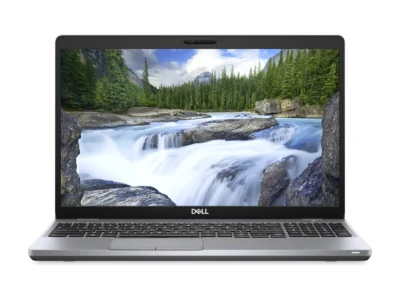
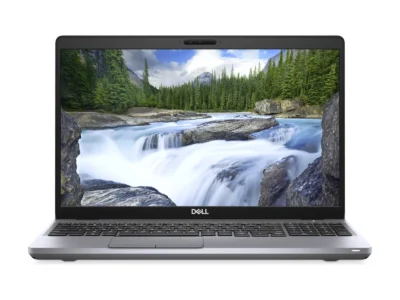
An IT specialist and a network administrator need a device that can handle running multiple virtual machines (VMware or VirtualBox) to test configurations and systems, alongside network management tools and SSH programs. This use depends directly on RAM more than any other factor. In this guide we present 3 real options that are actually available, with their exact specs and prices.
What does an IT specialist really need?
Running more than one virtual operating system at the same time (for example, a Windows Server machine and a Linux distribution together to test a network) consumes a lot of RAM — each virtual machine needs its own share of RAM in addition to the host system. So the more RAM there is, the more virtual machines can be run together without slowness.
The budget class: Dell Latitude E5590 (around EGP 9,500)
Suitable for running one virtual machine alongside the basic network management tools (SSH, monitoring programs).
- Processor: Core i5-8350U (8th generation)
- RAM: 8 GB
- Storage: 256 GB SSD
- Graphics card: Intel UHD 620 (integrated)
- Screen: 15.6-inch
See the Dell Latitude E5590 details and current price.
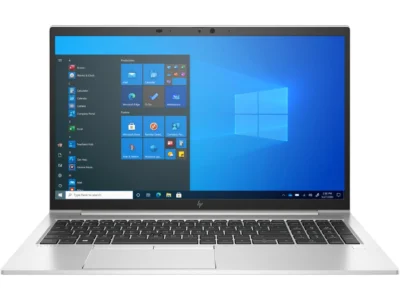
The mid-range class: HP EliteBook 645 G10 (around EGP 14,500)
The modern AMD Ryzen 5 7530U processor provides better multi-core performance, useful when running one virtual machine with several network management tools together.
- Processor: AMD Ryzen 5 7530U
- RAM: 8 GB
- Storage: 256 GB SSD
- Graphics card: AMD Radeon Vega (integrated)
- Screen: 14.1-inch
See the HP EliteBook 645 G10 details and current price.
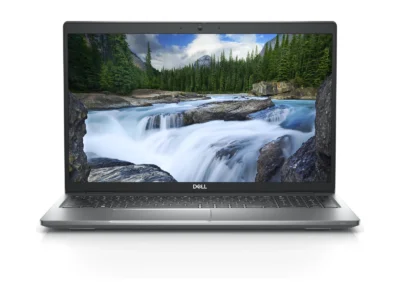
The best for running several virtual machines together: Dell Latitude 5440 (around EGP 19,000)
16 GB of RAM allows running two or more virtual machines at the same time (for example, a server and a client system to test network configurations) without noticeable slowness, which is essential for anyone testing complex network environments.
- Processor: Core i5 (13th generation)
- RAM: 16 GB
- Storage: 512 GB SSD
- Graphics card: Intel Iris Xe (integrated)
- Screen: 14-inch FHD
See the Dell Latitude 5440 details and current price.
Buying tip: the number of virtual machines determines the amount of RAM required
Count the number of virtual machines you need to run at the same time, and choose a device with enough RAM for each virtual machine in addition to the host system, with a reasonable safety margin. Anyone who also works on network data analysis can check the guide to the best laptop for data analysis and advanced Excel.
Frequently asked questions
How much RAM is enough to run multiple virtual machines?
It depends on the number and size of the virtual machines. 8 GB is enough for one light virtual machine, while running two or more together needs at least 16 GB.
Do I need a dedicated graphics card for network administration?
Not at all. Managing networks and virtual machines depends on the processor and RAM only, and the integrated graphics card is fully sufficient.
Does the processor’s support for virtualization technologies make a difference?
Yes, most modern processors (8th generation and newer) support virtualization acceleration technologies (VT-x/AMD-V) better, which improves the performance of virtual machines.
Is an SSD important for an IT specialist?
Yes, very important, especially when running multiple virtual machines, as they require fast reading and writing on the disk to avoid noticeable slowness.