Writers and translators spend long hours typing and reading, so the most important factor in choosing a suitable laptop is not processor power but comfort of use: a comfortable keyboard, a clear screen that does not strain the eyes, and good battery life. In this guide we present 3 real options that are actually available, with their exact prices.
What does a writer or translator actually need?
Writing and translation do not need a powerful processor or a dedicated graphics card at all. What matters most is a screen of a comfortable size (14 inches or larger is preferred) to reduce eye strain during long working hours, and enough RAM to open a writing program alongside a dictionary or translation tool and a browser for research together without slowdown.
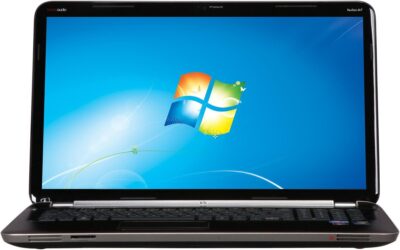
Budget tier: Dell Latitude E6430 (around EGP 4,500)
A budget option suitable for basic writing and opening one or two programs together.
- Processor: Core i5 (3rd generation)
- RAM: 4 GB
- Storage: 320 GB HDD
- Graphics card: Intel HD Graphics 4000 (integrated)
- Screen: 14.1 inches
See the Dell Latitude E6430 details and current price.
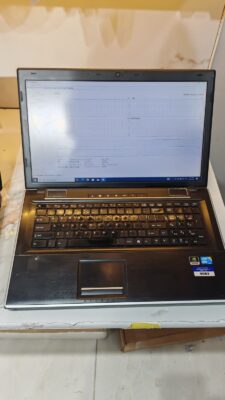
Mid-range tier: Lenovo W530 (around EGP 7,000)
Double the RAM (8 GB) and a larger screen (15 inches FHD) make long writing and translation sessions more comfortable, with the ability to open several references and search windows together without slowdown.
- Processor: Core i7
- RAM: 8 GB
- Storage: 500 GB HDD
- Graphics card: NVIDIA Quadro K1100M 2GB (dedicated)
- Screen: 15 inches FHD
See the Lenovo W530 details and current price.
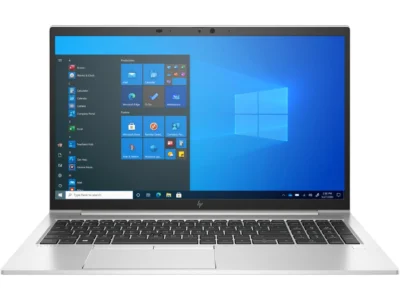
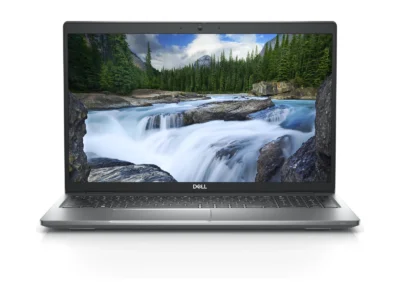
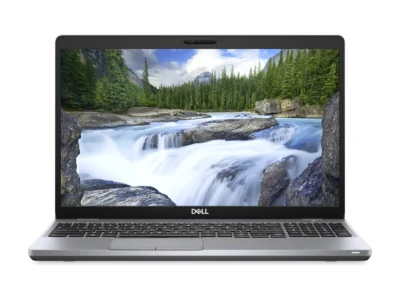
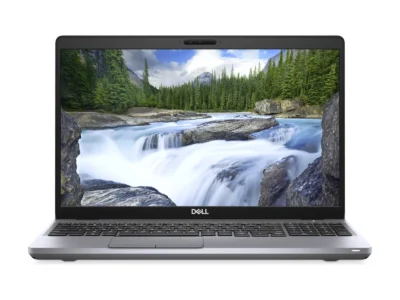
Best for those who work long hours every day: Dell Latitude 5590 (around EGP 9,500)
The low-power U-series 8th generation processor provides noticeably longer battery life, and SSD storage makes opening and saving files faster, which matters for those who work to tight deadlines.
- Processor: Core i5-8350U (8th generation)
- RAM: 8 GB
- Storage: 256 GB SSD
- Graphics card: Intel UHD 620 (integrated)
- Screen: 15.6 inches
See the Dell Latitude 5590 details and current price.
Buying tip: try the keyboard before buying if possible
Since writing is your main task, a comfortable keyboard makes a real difference to daily productivity, more than any other technical spec. If possible, try typing on the device before the final purchase.
Frequently asked questions
Does a writer or translator need a powerful processor?
No. Writing and translation tools do not need a powerful processor or a dedicated graphics card, and the priority goes to keyboard comfort and screen clarity.
What screen size is best for long writing sessions?
14 inches or larger reduces eye strain during long working hours compared with smaller screens.
Is 4 GB of RAM enough for translation programs?
Enough for one writing program only. When opening a translation tool and a browser for research together, 8 GB is preferred to avoid slowdown.
Is battery life important for a freelance writer?
Yes, especially for those who work from different places (a cafe, a library) without a charger always nearby, and U-series processors of the 8th generation and newer provide longer battery life.