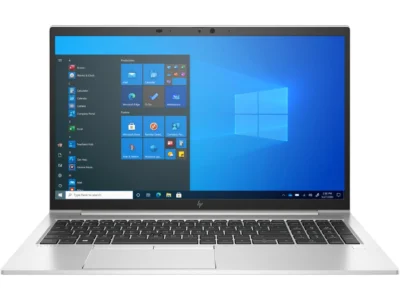
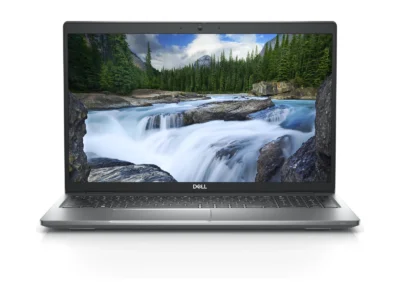
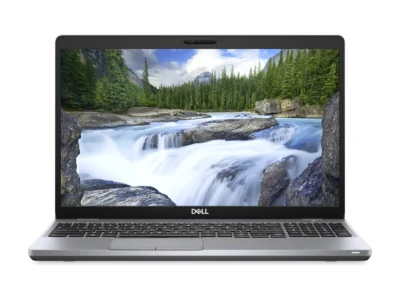
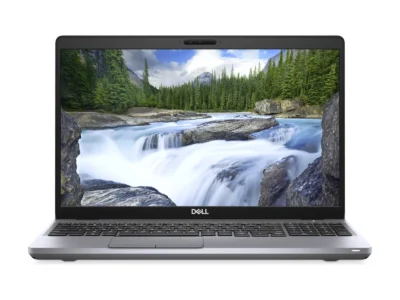
The direct answer: 8GB of RAM is the acceptable minimum today for ordinary use, 16GB is the ideal point for most users (multitasking, heavy browsing, office work), and 32GB or more is meant for heavy professional work (3D design, professional video editing, programming with virtual machines).
The right RAM by type of use
| RAM size | Suitable for | Real example |
|---|---|---|
| 4GB | Very simple use only: light browsing, basic office software, no multitasking | Dell Latitude 3310 — EGP 6,500 |
| 8GB | Ordinary everyday use: browsing with several tabs, office software, online education | See the 8 vs 16 GB comparison |
| 16GB | Real multitasking, light graphic design, software development, several programs running together | Dell Latitude 5440 — currently unavailable |
| 32GB or more | Heavy professional work: 4K video editing, 3D design, virtual machines | Dell Precision 7670 — currently unavailable |
How do you decide the right size for you?
Ask yourself: how many programs do I usually open together? If you only open a browser with several tabs along with an Office program, 8GB is enough. If you work with design software or open several heavy programs together, 16GB is the smarter choice financially and practically. As for 32GB, it is an investment that is worth it only for those who actually work in professional video editing or 3D design with large projects.
Can the RAM be upgraded later?
In most used business-class laptops, yes: the RAM can usually be increased later by adding an extra module or replacing the existing one, which makes starting with a smaller size and then upgrading when needed a reasonable economical option in some cases. See our detailed guide comparing 8 vs 16 GB for more practical advice on upgrading.
Is 4GB of RAM enough in 2026?
Barely. 4GB has become less than the practical minimum today with the development of modern browsers and operating systems, and it suits only very simple use without real multitasking. We recommend 8GB as a reasonable minimum.
Is 16GB excessive for ordinary office use?
It is not excessive; it gives a comfortable safety margin for multitasking without any freezing, especially with modern web applications that are heavy on RAM. The price difference from 8GB is usually worth the investment in the long term.
When do I actually need 32GB of RAM or more?
Only if your work includes 4K video editing, 3D design for large projects, running multiple virtual machines, or processing huge data files. For ordinary and even advanced use, 16GB is usually enough.
Does adding RAM always solve the problem of a slow laptop?
Not always. If the laptop uses a traditional HDD instead of an SSD, the storage may be the main cause of the slowness, not the RAM. Check the storage type first before investing in a RAM upgrade alone.